


How to Write a Professional IT Resume
 Aug 19,2026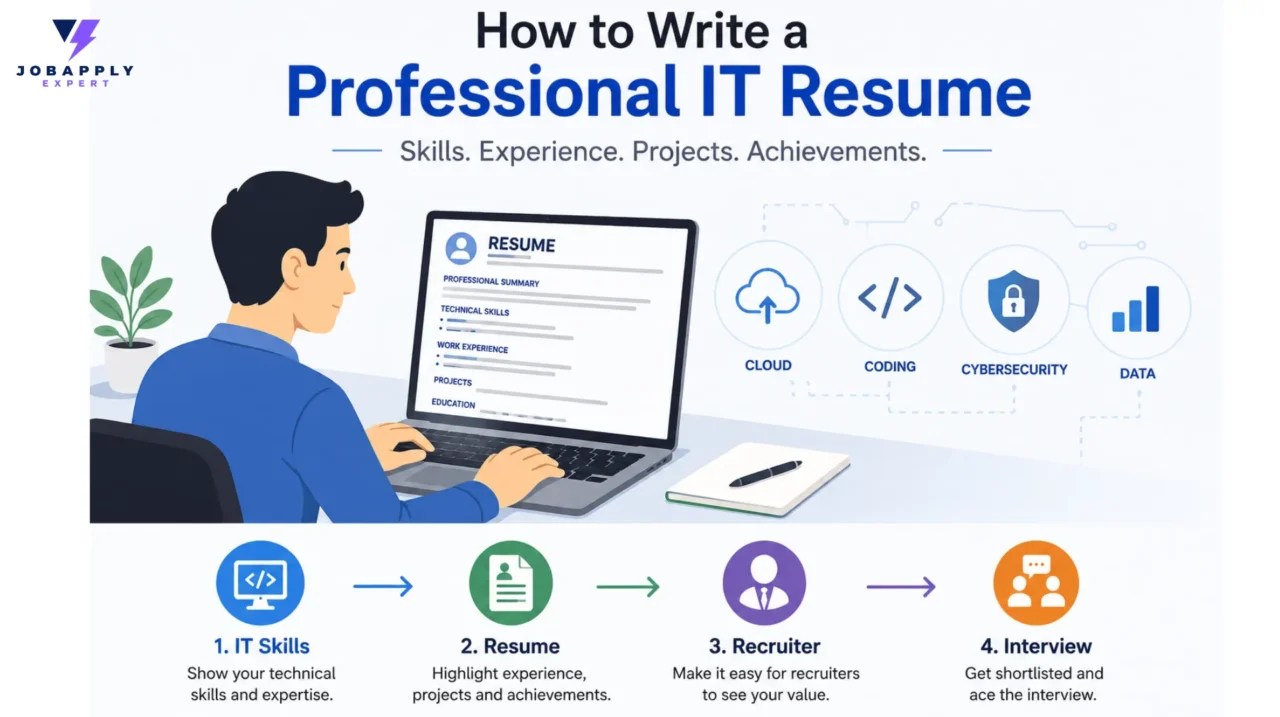
Creating a professional IT resume is about more than listing programming languages, software, and previous job titles. IT employers want to quickly understand what you can do, which technologies you have worked with, and the results you have delivered. A well-structured resume can make that information easier for recruiters and hiring managers to find.
If you need professional support presenting your technical experience, Professional Resume Writing Services can help you develop a resume aligned with your target roles.
Whether you are an experienced software engineer, a cloud professional, a cybersecurity specialist, or starting your IT career, your resume should connect your skills and experience directly to the position you want.
Start With a Clear Resume Structure
A professional IT resume should be easy to scan. Use a simple layout, consistent formatting, readable fonts, and clear section headings.
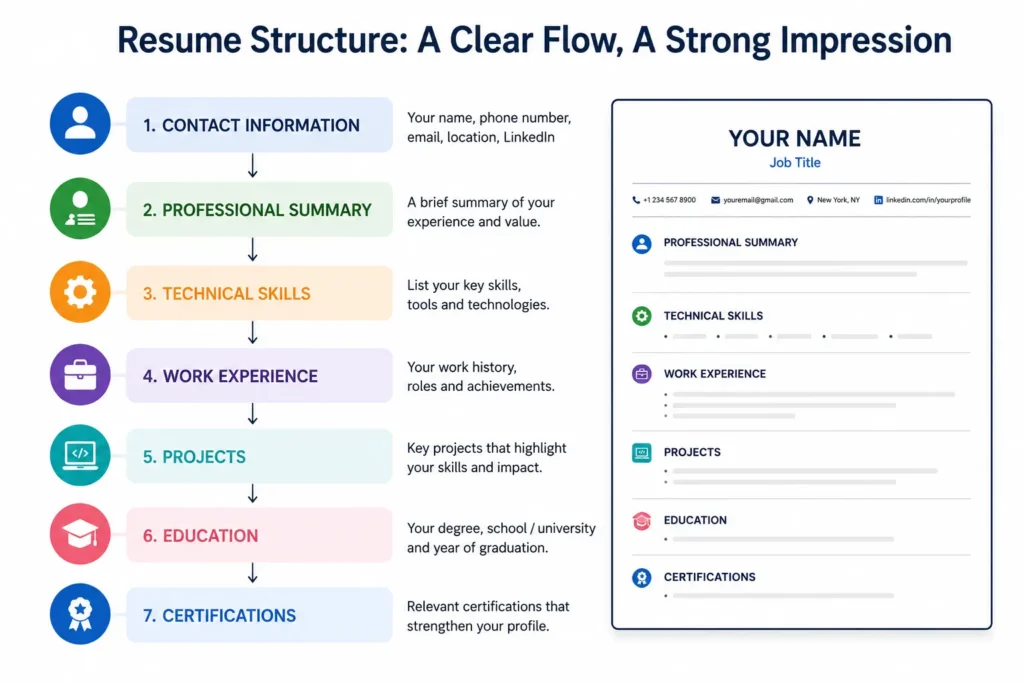
A practical structure is:
- Name and contact information
- Professional summary
- Technical skills
- Work experience
- Projects
- Education
- Certifications
A clean structure is one of the elements that separates a strong resume from a basic one. Learn more about what makes a professional resume different.
Avoid complicated designs, excessive graphics, and information placed inside elements that may be difficult for Applicant Tracking Systems (ATS) to read.
The goal is simple: a recruiter should be able to understand your background quickly without searching through unnecessary information.
Write a Strong Professional Summary
Your summary should immediately communicate who you are professionally and what you bring to an IT role.
Avoid generic statements such as:
“Hardworking IT professional looking for a challenging opportunity.”
Instead, focus on your experience, specialization, technologies, and strengths.
For example:
“Cloud engineer with 5+ years of experience designing and supporting AWS infrastructure, automating deployment workflows, and improving cloud reliability across production environments.”
This gives the reader a clearer understanding of your professional background from the beginning.
Highlight Technical Skills Strategically
Technical skills are particularly important on an IT resume, but simply creating a long list of technologies isn’t enough.
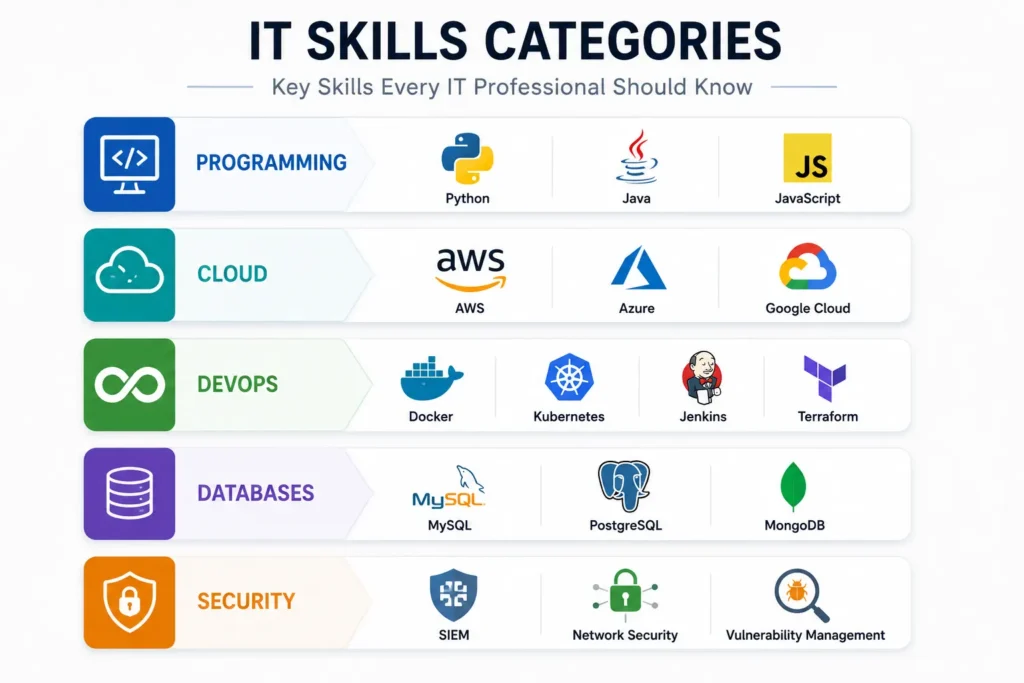
Organize your skills into relevant categories, such as:
Programming: Python, Java, JavaScript
Cloud: AWS, Azure, Google Cloud
Databases: MySQL, PostgreSQL, MongoDB
DevOps: Docker, Kubernetes, Jenkins, Terraform
Security: SIEM, vulnerability management, network security
Only include technologies you can confidently discuss in an interview.
If a job requires Python, AWS, Terraform, and Kubernetes and you have genuine experience with them, make those skills easy to find. This helps both recruiters and screening systems understand your technical background.
Turn IT Experience Into Achievements
One of the biggest differences between an average and professional IT resume is how work experience is presented.
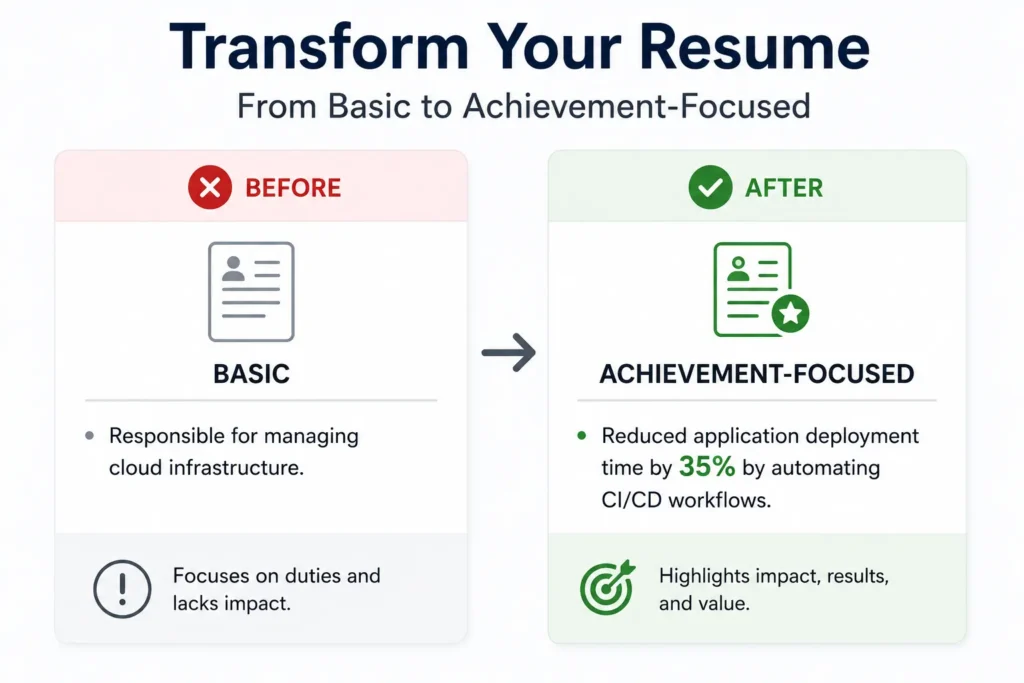
Don’t only describe responsibilities. Show what you accomplished.
Instead of:
“Responsible for managing cloud infrastructure.”
Consider:
“Managed AWS infrastructure across production environments and automated deployment processes to improve release efficiency.”
Whenever possible, support achievements with measurable information such as percentages, project sizes, response times, cost savings, users supported, or system improvements.
For example:
“Reduced application deployment time by 35% by automating CI/CD workflows.”
This tells the employer what you did and why it mattered.
Include Relevant IT Projects
Projects can be especially valuable for recent graduates, career changers, freelancers, and professionals whose current role doesn’t fully demonstrate their technical abilities.
For each project, briefly explain:
- What you built or worked on
- Technologies used
- Your specific contribution
- The outcome
For example:
Cloud Monitoring Project: Built a monitoring solution using AWS CloudWatch and Python to track application performance and generate automated alerts.
A project section can demonstrate practical knowledge even when your professional experience is limited.
Add Relevant Education and Certifications
Education should include your degree, institution, and relevant dates where appropriate.
For IT professionals, certifications can also demonstrate knowledge of specific technologies or professional areas.
Examples include certifications related to:
- AWS
- Microsoft Azure
- Google Cloud
- Cisco
- CompTIA
- Cybersecurity
- Project management
- Data and analytics
Prioritize certifications that are relevant to the position you’re targeting. A long list of unrelated certifications can distract from your strongest qualifications.
Use Keywords for ATS Screening
Many employers use Applicant Tracking Systems to manage job applications. These systems may help organize resumes and identify information such as skills, qualifications, job titles, and relevant terminology.
For additional guidance on creating an ATS-friendly resume, you can also explore professional ATS-friendly resume writing services.
This makes keyword relevance important when creating a professional IT resume.
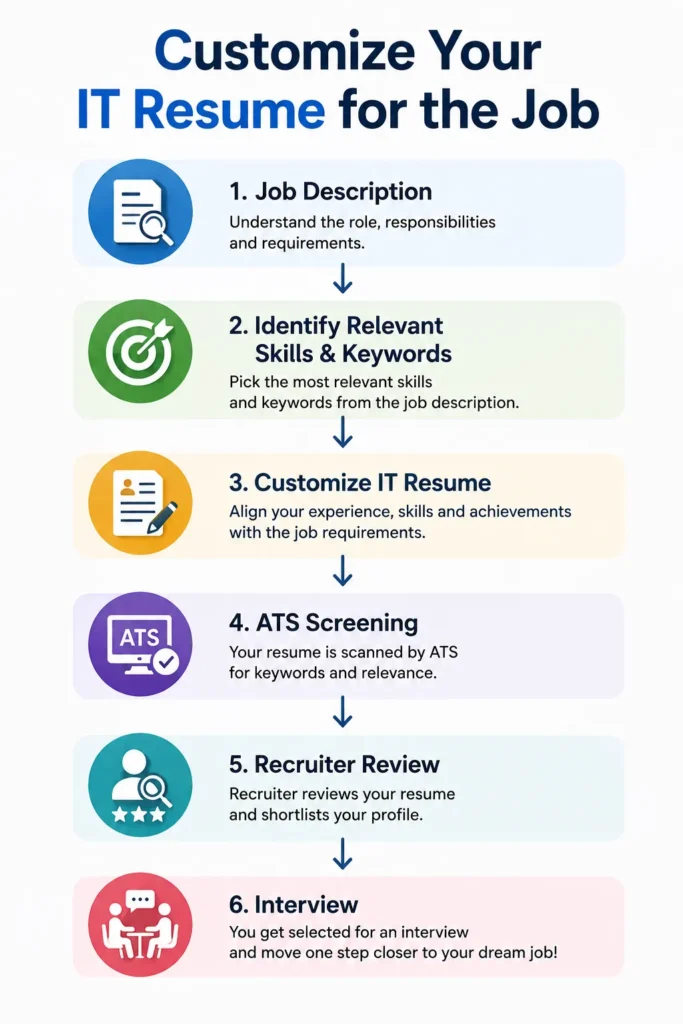
Start with the job description and identify technologies, certifications, responsibilities, and skills that genuinely match your background.
For example, if a position asks for:
Python, SQL, AWS, Docker, and REST APIs
and you have experience with all five, incorporate them naturally into your skills and experience sections.
Don’t copy the entire job description or repeat keywords unnecessarily. Relevant keywords supported by real experience are much more useful than keyword stuffing.
Tailor Your Resume to the IT Role
An IT resume should not be identical for every application.
This is why one resume is not enough for every job application, particularly when different IT positions emphasize different technologies and responsibilities.
A cybersecurity position may require greater emphasis on security tools, threat detection, compliance, and incident response. A data engineering role may prioritize SQL, Python, ETL, cloud platforms, and data pipelines.
Your career history doesn’t need to change. The emphasis should.
Before submitting your resume, compare the job description with your experience and move the most relevant skills, projects, and achievements into prominent positions.
This type of customization makes your application more focused while keeping your professional story authentic.
If you want to understand how resume customization can be handled before applying, read How We Customize Every Resume Before Applying.
Common IT Resume Mistakes to Avoid
Avoid these common problems:
- Listing technologies you cannot confidently discuss
- Using a generic resume for every application
- Writing long paragraphs instead of concise bullet points
- Focusing only on responsibilities rather than achievements
- Including outdated or irrelevant technologies
- Using excessive graphics or complicated formatting
- Stuffing keywords into the resume
- Adding certifications without relevance to the target role
- Failing to proofread technical terms and company names
A strong IT resume should be accurate as well as technically relevant.
If you’re submitting applications but aren’t getting interviews, it may also be worth reviewing why your resume is getting rejected.
Final Checklist for a Professional IT Resume
Before submitting your resume, ask yourself:
- Is the formatting simple and professional?
- Does the summary clearly describe my IT specialization?
- Are my most relevant technical skills easy to find?
- Have I highlighted achievements rather than only responsibilities?
- Are relevant projects included?
- Are my certifications current and relevant?
- Have I used appropriate keywords from the job description?
- Is the resume tailored to this specific IT role?
- Can both an ATS and a recruiter understand my qualifications?
- Is every detail accurate?
Final Thoughts
A professional IT resume should make your technical abilities, experience, and achievements easy to understand. The strongest resumes don’t simply list technologies; they demonstrate how those technologies have been used to solve problems, support organizations, improve systems, or deliver measurable results.
If you’re considering professional assistance, you can also explore whether professional resume writing services really help you get hired.
Keep the structure simple, focus on relevant achievements, use technical keywords naturally, and tailor your resume to each position. Most importantly, make sure everything you include accurately represents your experience.
In a competitive IT job market, a focused and well-presented resume can help recruiters see not only what technologies you know, but what you can actually do with them.

 Sep 09, 2026

